Have you ever wondered how to achieve flawless results in your creative projects? The secret might lie in the art of crafting precise instructions. In the realm of digital creation, understanding how to filter out unwanted elements can make all the difference.
When it comes to generating content, clarity is key. Specific instructions can help ensure that the final outputs are crisp and aligned with your vision. This guide will explore the essential techniques to refine your approach, enabling you to maintain control over both the aesthetic and technical aspects of your creations.
By mastering these techniques, you can significantly enhance the consistency and accuracy of your digital work. Whether you are just starting or have experience, this journey will provide you with valuable insights to elevate your projects to a professional level.
Overview of Negative Prompts and Their Role in AI Content
What if the key to perfecting your creations lies in the details of your instructions? In the world of digital content, negative prompts serve as essential tools. They guide AI models by indicating what elements should be avoided, shaping the final output to better match your vision.
These negative prompts play a crucial role in enhancing the quality of generated content. By specifying what to exclude, you can steer the AI away from unwanted features. This results in a more polished and professional appearance.
For instance, when working with text-to-image systems, these prompts help eliminate common issues like blurry details or strange distortions. Understanding how to use them effectively can significantly improve your results.
Foundations of AI-Generated Images and Stability Challenges
Imagine how mastering the fundamentals could elevate your artistic projects. Understanding the intricacies of stable diffusion is essential for producing high-quality visuals. However, challenges can arise during the generation process, leading to common issues.
When using stable diffusion, you may encounter unwanted elements in your creations. These include:
- Disconnected limbs
- Warped facial features
- Strange textures
Such artifacts often stem from the model’s difficulty in handling complex anatomical structures or inconsistent training data. By grasping the foundations of the diffusion process, you can better anticipate these challenges.
Minor adjustments to your prompts can significantly enhance the quality of generated images. A keen eye for detail is crucial in managing these outputs effectively.
| Issue | Common Causes | Solutions |
|---|---|---|
| Disconnected Limbs | Complex anatomy | Use specific negative elements |
| Warped Features | Inconsistent training data | Refine prompts |
| Strange Textures | Low resolution | Increase resolution settings |
Tips for Crafting Effective Negative Prompts
Unlocking the potential of your creative endeavors starts with understanding the intricacies of your instructions. Crafting an effective negative prompt requires you to be highly specific. Vague instructions often fail to filter out the unwanted elements you aim to avoid.
Begin by identifying the most prominent details in your output. Look for issues like blurry backgrounds or harsh lighting before adding more complex constraints. This step is crucial for refining your approach.
Balancing your positive and negative techniques is essential. Overloading the model with too many restrictions can confuse the AI and flatten your image details. A systematic process of testing and iteration will help you refine your prompts.
By focusing on clear, detailed phrasing, you can avoid randomness. This often leads to poor results when using standard generation tools. Remember, precision is key to achieving the best outcomes.
Integrating Negative Prompts with Stable Diffusion
Could your artistic projects benefit from a deeper understanding of your instruction techniques? Integrating negative prompts into your Stable Diffusion workflow allows you to exert greater control over the latent space representation during the image generation process.
These prompts serve as constraints that guide the diffusion process. They effectively push the model away from concepts you have explicitly marked as undesirable. This approach enhances the quality of your final outputs.
When using negative prompts, the model considers both your positive and negative instructions simultaneously. This results in a more refined and accurate final image. Technical insights into the diffusion process reveal that these prompts are not merely suggestions; they are mathematical directives that shape the final pixel output.
By learning how to structure your prompts effectively, you can significantly improve your results. This knowledge allows you to work in harmony with the underlying architecture of the Stable Diffusion model.
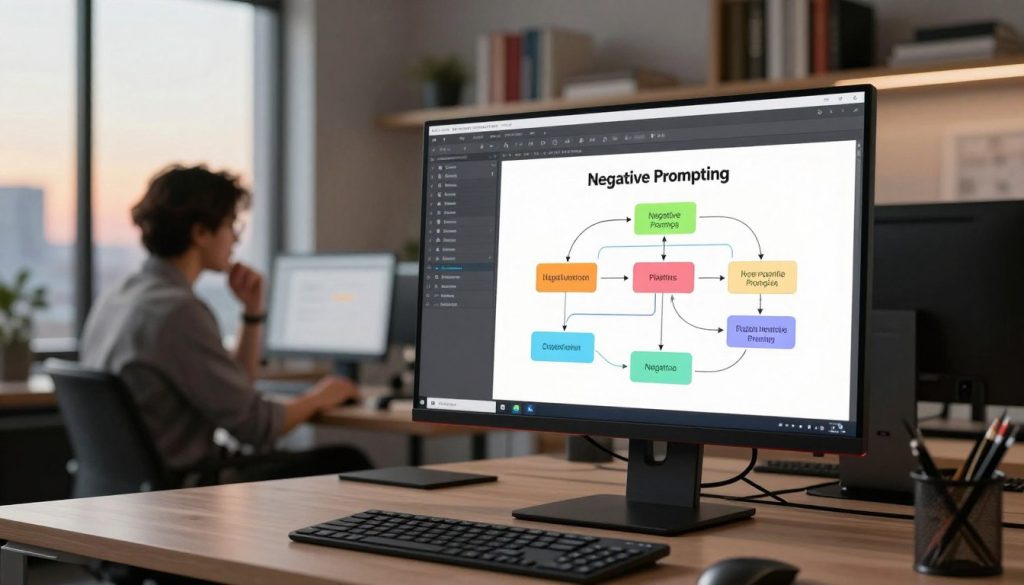
Improving Image Quality Through Refined Prompting
Enhancing the clarity of your creative vision often hinges on the quality of your instructions. Improving your overall image quality comes down to how well you can refine your prompts to exclude common technical flaws and artistic imperfections.
By consistently applying a set of high-quality negative prompts, you ensure that your generated images remain crisp, clear, and professional across all your projects. Focus on removing artifacts like jpeg compression or grainy textures, which are common barriers to achieving high-fidelity results in AI art.
Refined prompting allows you to maintain a consistent aesthetic. This prevents the AI from unintentionally mixing styles or introducing unwanted painterly textures into your work. As you gain experience, you will find that the quality of your output is directly proportional to the precision and clarity of the prompts you provide.
Leveraging AI Tools for Image Enhancement and Upscaling
What if you could elevate your images with specialized enhancement techniques? Utilizing dedicated enhancement tools is a powerful way to transform low-resolution, blurry, or noisy images into high-resolution masterpieces. One such tool is the Aiarty Image Enhancer, which allows users to batch upscale images to 2K, 4K, or even 8K resolutions while restoring realistic textures.
These tools enable batch upscaling, a critical process for maintaining high quality when working with large sets of images. By employing advanced detail restoration techniques, you can reconstruct natural textures for skin, hair, and fabric that the initial generation might have missed.
The enhancement process is also designed to be hardware-optimized. This helps you avoid common issues like CUDA out of memory errors during high-resolution rendering. Integrating these tools into your workflow ensures that your final images are free from artifacts and possess the professional sharpness required for high-end projects.
| Feature | Description | Benefits |
|---|---|---|
| Batch Upscaling | Upscale images to 2K, 4K, or 8K | Maintains quality across large sets |
| Face Restoration | Improves clarity and sharpness in portraits | Enhances natural appearance |
| Detail Restoration | Reconstructs textures for various elements | Improves overall image fidelity |
Strategies for Combining Negative Prompts with Main Prompts
How can you effectively merge your main prompts with negative instructions for optimal outcomes? Combining your negative prompts with a strong, detailed main prompt is the most effective strategy for reducing randomness and achieving consistent results.
For instance, in a real-world example, you might pair a prompt for a “hyper-realistic portrait” with negative terms like “blurry background” and “distorted face” to ensure clarity. This approach helps in guiding the AI to focus on the desired elements while avoiding common pitfalls.
It’s crucial to test your combinations iteratively. Change one variable at a time to see how it impacts the final composition of your images. By being as descriptive as possible in your positive prompt, you provide the AI with a solid foundation that makes your negative prompts much more effective.
These strategies help you avoid the common pitfall of writing vague inputs, which often forces the AI to guess your intent and leads to unpredictable outcomes.
Using Negative Prompts ai porn for Refined Results
Imagine the possibilities when you tailor your prompts specifically for the AI model you are using. Customizing your instructions is essential because different platforms interpret constraints in unique ways. This can significantly impact the quality of your results.
When utilizing negative prompts, ensure your keywords align with the stylistic and anatomical requirements of your chosen model. This alignment helps the AI understand what to avoid, leading to more refined outputs.
- Adjust your vocabulary to match the training data of the specific architecture.
- Recognize that what works for one model may need tweaking for another.
- Experiment continuously with your prompt structure for optimal results.
By focusing on these strategies, you can unlock the full potential of your model and consistently produce high-quality content.
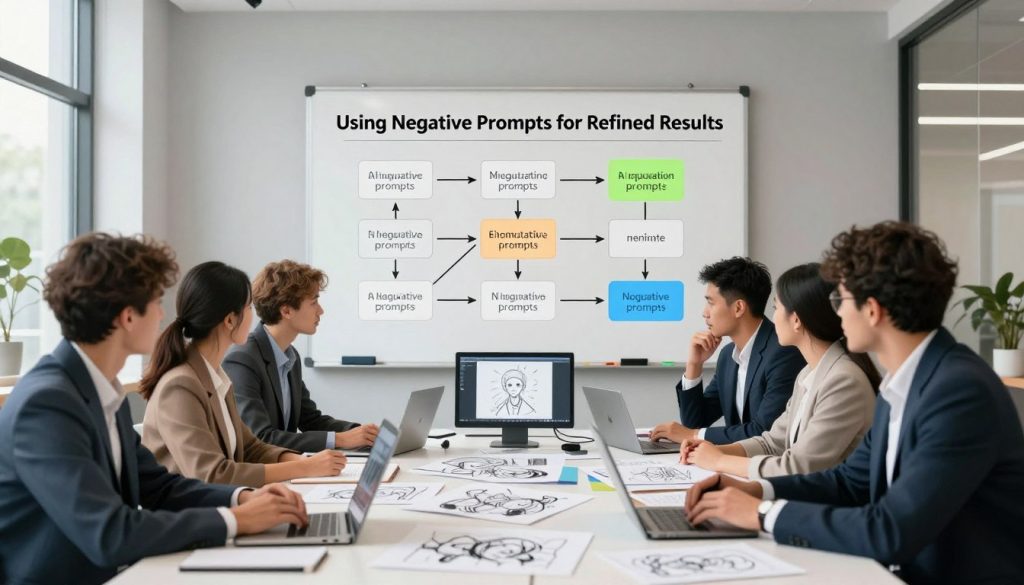
Exploring Advanced Techniques in Negative Prompt Optimization
Have you considered how advanced techniques can enhance your creative output? Understanding these methods can elevate your projects to new heights. With the right strategies, you can refine your instructions for better results.
One effective approach is weight adjustment. This allows you to prioritize specific terms in your negative prompts. For example, using (word:1.5) can help reduce unwanted elements like harsh shadows. This precision leads to more polished outputs.
Another powerful method involves custom embedding integrations. The EasyNegative file is a popular choice. Found at civitai.com, it acts as a pre-trained concept that influences the diffusion model’s output.
Recent research, like the RePrompt paper by Yunlong Wang and his team, highlights the importance of automatic prompt editing. Their findings show how these adjustments can improve the emotional expressiveness of AI-generated images.
Additionally, you can use square brackets to decrease the importance of certain terms. This gives you granular control over how the model interprets your negative instructions. Mastering these techniques will allow you to push the boundaries of your creative projects.
| Technique | Description | Benefits |
|---|---|---|
| Weight Adjustment | Prioritize specific negative terms | Reduces unwanted elements |
| Custom Embedding | Use pre-trained concepts | Enhances output quality |
| Automatic Editing | Refine prompts for emotional accuracy | Improves expressiveness |
Negative Prompt Examples Across Diverse AI Models
What if understanding model-specific needs could enhance your project outcomes? Comparing image and text generation scenarios reveals that while the core concept of filtering out unwanted elements remains consistent, the specific keywords can differ significantly.
For instance, in image generation, you might focus on anatomical terms like “extra limbs” or “bad hands.” In contrast, text models often require terms such as “slang” or “informal language.”
These examples can serve as a foundation for building your own library of tailored instructions. You can adapt them for various AI models and creative needs.
Whether you are creating anime art, realistic portraits, or professional reports, having a diverse set of filtering instructions is crucial for maintaining high standards.
By observing how different models respond to your specific instructions, you can gain valuable insights into their strengths and weaknesses across various generation scenarios.
Best Practices in Modern Prompt Engineering Workflows
Imagine transforming your creative projects through systematic testing and refinement. Establishing a modern prompt engineering workflow involves a rigorous step-by-step process to ensure your results are consistently high-quality.
As noted in the 2024 research by He Zhang and his colleagues, designing effective prompts is a critical skill for researchers and creators working with AI tools. This involves:
- Testing your prompts in various scenarios to find what works best.
- Iterating based on feedback and results to refine your approach.
- Maintaining a log of successful prompts categorized by project type for easy retrieval.
Step-by-Step Process for Testing and Iteration
Begin by isolating variables during testing. This approach helps identify what adjustments lead to improved outcomes. By adopting these best practices, you can reduce the time spent on trial and error and focus more on the creative aspects of your projects.
Troubleshooting Common Issues During Generation
Common issues may arise during the generation process. According to a 2023 study by Emily Theophilou, understanding AI limits and fallibility is essential. When problems occur, refer back to your logs to troubleshoot effectively.
| Issue | Common Causes | Solutions |
|---|---|---|
| Inconsistent Outputs | Vague instructions | Refine prompts |
| Technical Flaws | Unoptimized settings | Adjust parameters |
| Long Processing Times | Complex prompts | Simplify instructions |
Conclusion
Imagine the impact that clear and specific instructions could have on your creative endeavors. Mastering negative prompts is a transformative step for anyone looking to elevate the quality and precision of their generated content.
By systematically applying these techniques, you can effectively filter out unwanted elements. This ensures your final results align perfectly with your creative vision.
Remember, the most successful workflows involve a balance of detailed positive prompts and carefully curated negative constraints to guide the model. As technology evolves, staying informed about advanced optimization methods will keep your work at the cutting edge.
We encourage you to experiment with the examples provided in this guide. Discover the unique combinations that work best for your specific artistic needs.
FAQ
What are negative prompts and how do they work?
Negative prompts are specific instructions that guide AI to avoid certain elements or features in generated content. They help refine the output by eliminating unwanted aspects, leading to a more focused result.
How can I improve the quality of my AI-generated images?
To enhance image quality, consider using refined instructions that clearly specify what to include and what to exclude. This can help reduce artifacts and improve overall visual appeal.
What tools can I use for image enhancement?
There are several dedicated enhancement tools available that can upscale images and restore details. Look for software that specializes in AI-driven image processing for the best results.
How do I combine negative prompts with positive prompts?
Combining both types of prompts involves carefully balancing your instructions. Use negative prompts to eliminate undesired features while using positive prompts to emphasize the qualities you want to see in the final output.
What are common artifacts I should watch for in generated images?
Common artifacts include distortions, extra limbs, or unrealistic facial features. Identifying these issues can help you adjust your prompts for better outcomes.
Can I tailor prompts for specific AI models?
Yes, tailoring your prompts to fit the capabilities and strengths of specific AI models can lead to improved results. Understanding the model’s unique features will help you create more effective instructions.
What is the importance of weight adjustment in prompt optimization?
Weight adjustment allows you to prioritize certain aspects of your prompts over others. This can enhance the focus of the generated content and ensure that the most important features are highlighted.
How can I troubleshoot common issues during image generation?
To troubleshoot, start by reviewing your prompts for clarity and specificity. Adjusting the instructions based on the results can help identify and resolve recurring issues.